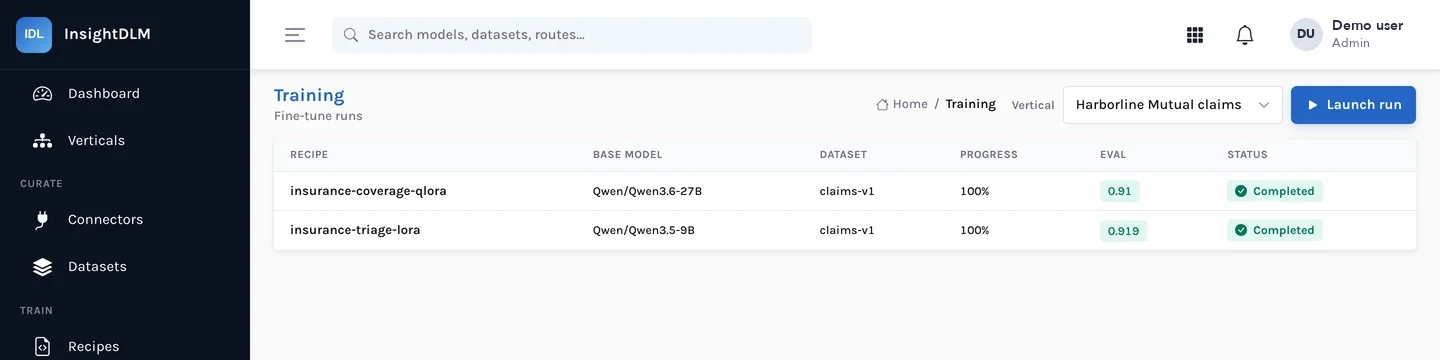
Retail catalogues are built from supplier data that arrives in every shape: spreadsheets with abbreviations, PDFs of spec sheets, descriptions that bury the material in the third sentence. Turning that into clean, consistent attributes (material, colour, size range, care, fit) is slow work for merchandising teams, and it is a good fit for a small model: the input is short, the output is a fixed set of fields, and every field can be checked.
The task
Brightcart, a fictional mid-sized fashion and homeware retailer, onboards a few hundred new products a week from around forty suppliers. Its merchandising lead wants a model that reads each supplier row and fills five attributes for the catalogue, leaving anything it is unsure of blank for a person.
Why a small model
- Bounded input and output. A row or a short spec sheet in, five fields out. There is no open-ended reasoning.
- Volume. Hundreds of rows a week, and a backlog. Cost per call matters.
- Checkable. Each field is right or wrong, so the evaluation can use exact matching rather than a judge.
The fine-tuning guide's rule of thumb is to drop to a 1.5B or 0.5B model for a single bounded task like extraction or classification, and to start around 1,000 to 3,000 examples that cover every field and include negatives (rows where a field is genuinely missing). Those are starting points; the evaluation decides whether they are enough.
Building the dataset in extract mode
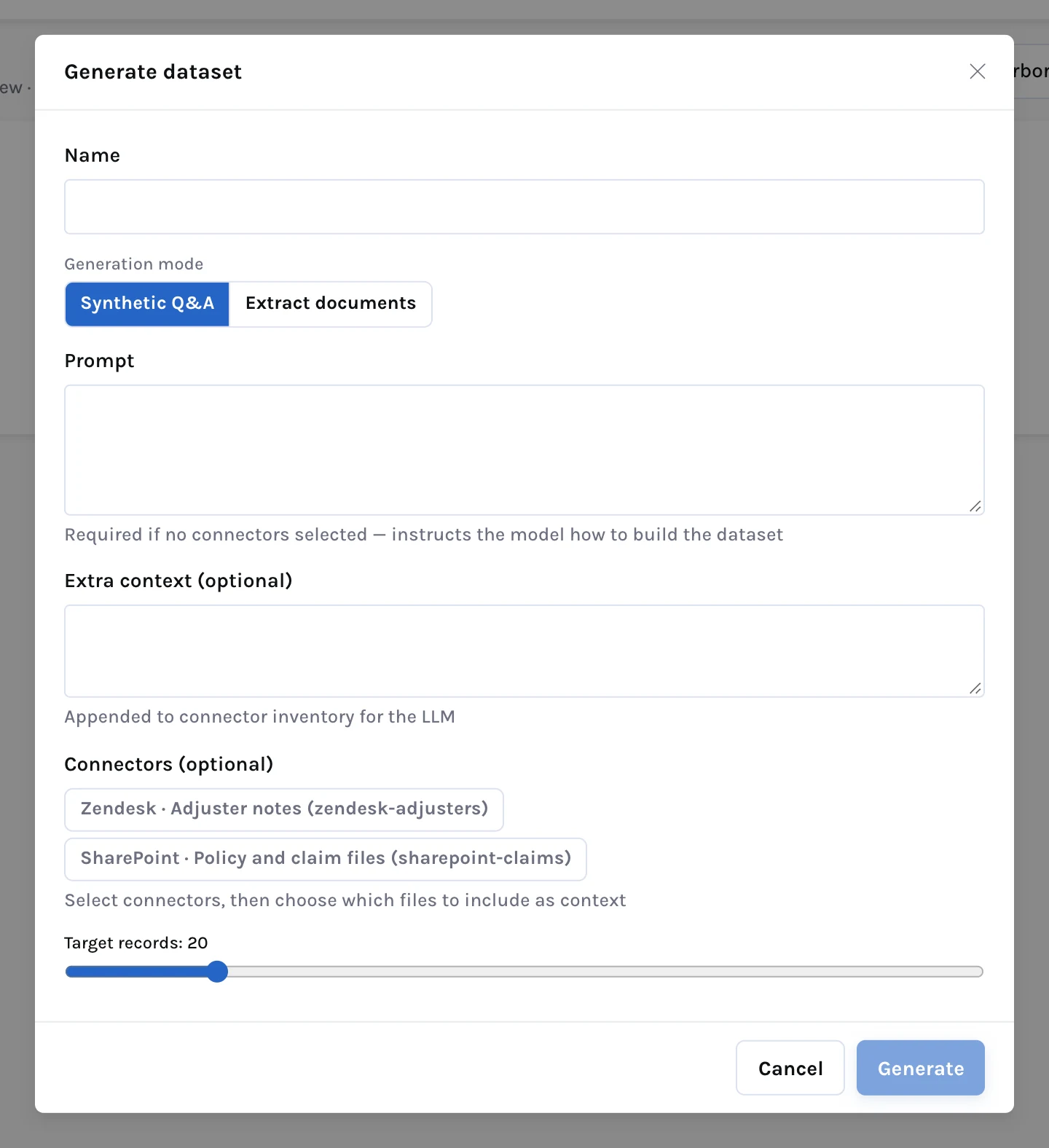
The supplier spreadsheets land in an S3 bucket and the product database is PostgreSQL, both of which InsightDLM can sync. The team selects a sample of feeds from different suppliers (so the model sees every abbreviation style), writes a prompt that defines the five fields and their allowed values, and generates in batches. Tables contribute a sample of their rows rather than all of them, which keeps one large supplier from dominating the context.
Review is fast because the output is structured: a merchandiser can check five fields at a glance. Edited records are the most valuable ones. When the teacher model reads “MW30” as a size rather than a care instruction, the corrected record teaches the small model the supplier's convention.
The prompt that defines the task
The generation prompt is where the five fields get their definitions. Brightcart's (made up) is short and strict:
For each supplier row, return JSON with exactly these keys:
material, colour, size_range, care, fit.
colour: one of the catalogue colours listed in the extra context.
fit: regular, slim, relaxed or oversized.
If the row does not state a field, return null for it. Never guess.
Care codes such as MW30 mean "machine wash 30°C".
The allowed values go in the extra context rather than the prompt, so they can be updated without rewriting it. In review, each record shows its instruction (the supplier row) and its response (the five fields), so a merchandiser can check one against the other at a glance. The “never guess” line matters most: without it, a generating model may fill in a plausible colour rather than leave it blank, and the small model learns to do the same.
Which size to train
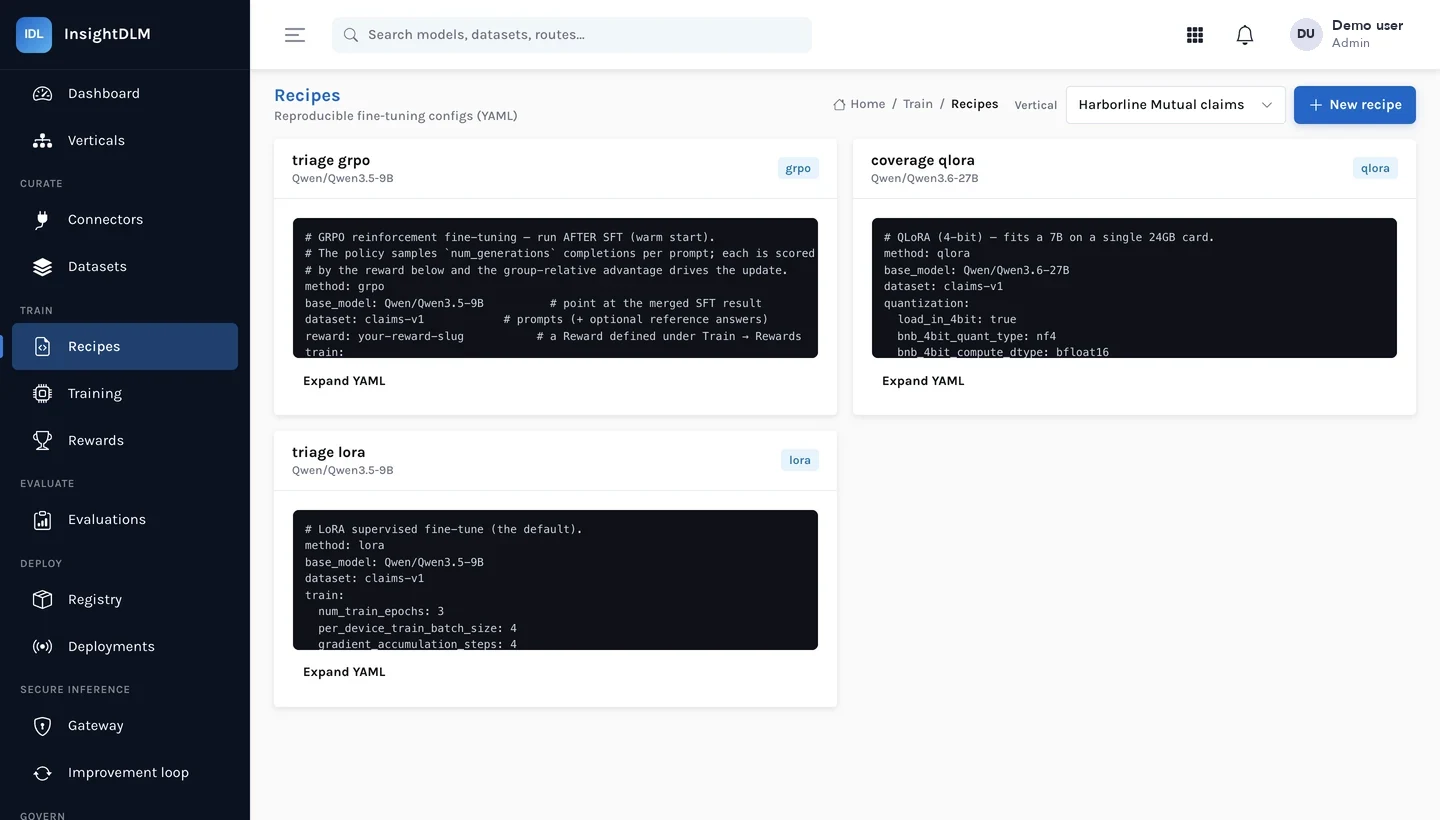
The team trains two versions on the same frozen dataset: a LoRA run on Qwen3.5-2B and a QLoRA run on Phi-4-mini as a comparison. If the smaller model passes the field-level gates, it ships: it is cheaper to serve at catalogue volume, and a quantized 2B model can run on modest hardware. If it fails on one field only, the next step is more examples for that field, not a bigger model.
Testing field by field
| Check | What it catches |
|---|---|
| Exact match per field | Wrong values, for example navy read as black |
| Blank when absent | Invented values for fields the supplier never gave |
| Allowed values only | Colours or fits outside the catalogue's list |
| Regression set | Suppliers whose rows the previous version handled correctly |
Invented values are the failure that matters most in a catalogue: a wrong material on a product page is a returns and a trust problem. The team adds negative cases on purpose and reads every failed case before looking at the aggregate score.
Where the person stays in the loop
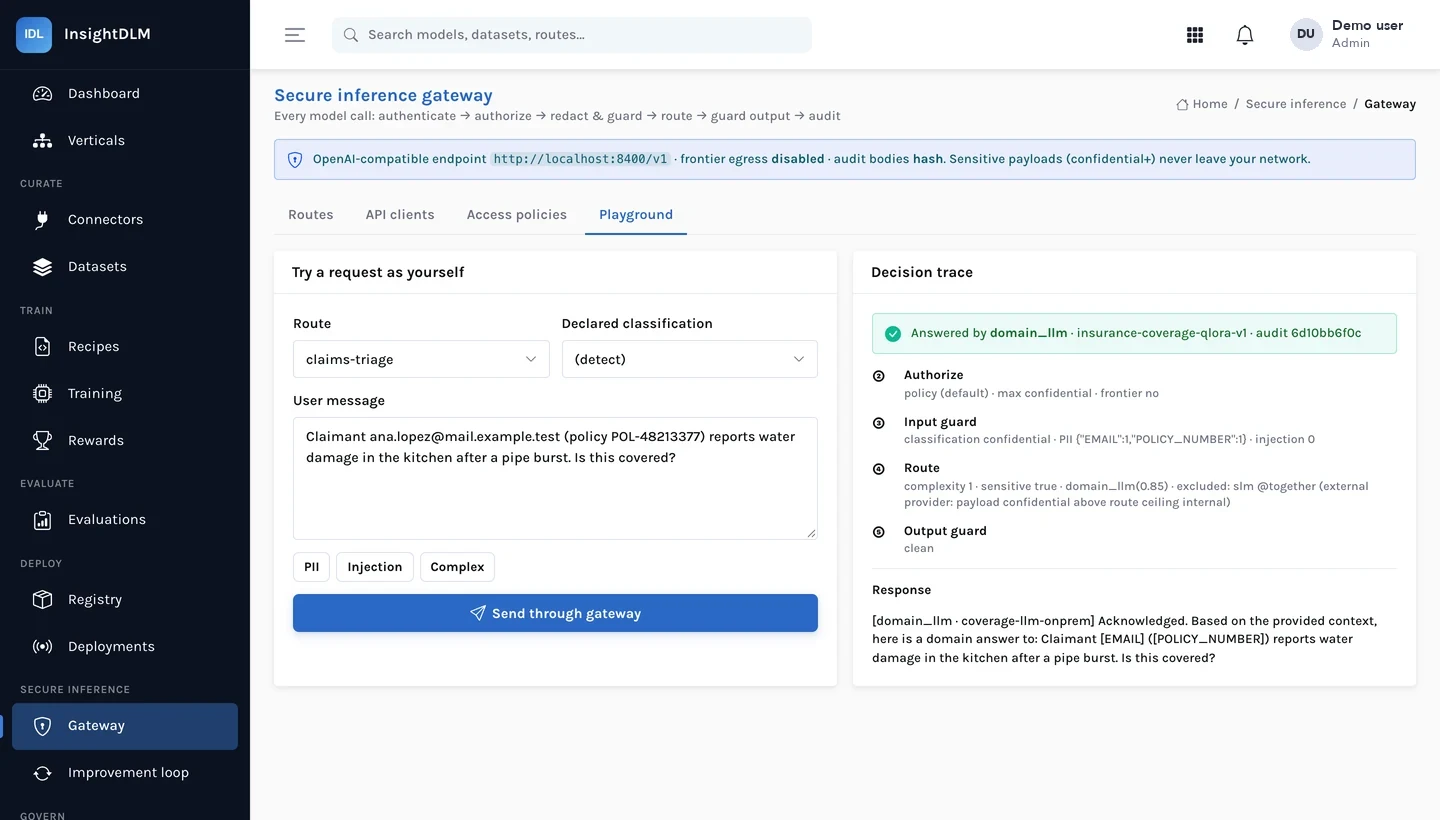
The fictional model fills the five attributes for each new row and leaves blanks where it is not confident. A merchandiser reviews every row from a new supplier, and samples rows from known ones. Corrections go into the next dataset version. When a new supplier arrives with a format nobody has seen, its rows go to a person first and become training examples, rather than surprising the model in production.
Rolling it out in three steps
| Step | What the model does | What a person does |
|---|---|---|
| 1 · Shadow | Fills the fields alongside the existing process; nothing is published from it | Merchandisers compare its fields with their own for two weeks |
| 2 · Suggest | Pre-fills the fields on the product form | Confirms or corrects every field |
| 3 · Sample | Fills the fields for known suppliers | Reviews every new supplier's rows and a sample of the rest |
Each step ends with a decision based on the correction rate a person saw, not on the evaluation score alone. The corrections from every step feed the next dataset version.
Questions merchandising teams ask
The starter project also mentions review analysis. Same model?
Treat it as a second task with its own dataset and its own test suite. Extraction outputs are checked field by field; review analysis is closer to classification and needs balanced classes. Mixing them in one dataset makes both harder to evaluate.
What if a supplier changes its format?
Expect the confidence on its rows to drop and the corrections to rise. Route that supplier's rows back to a person, add a batch of its new format to the next dataset version, and add its rows to the regression set once the new version handles them.
Next: banking: complaint routing that keeps customer data on the network.