Most fine-tuning projects that disappoint chose too large a model, the wrong method, or too little of the right data. None of these choices is hard once the task is clear. This guide sets out the starting points InsightDLM's recipes and fine-tuning guide use, so the first run is a reasonable one and the evaluation can do the rest.
1. Start from the task, not the model
The recipe screen suggests current open-weight models and lists first the ones your administrators have approved on the allow-list. A shortlist of small and mid-size starting points, with the facts as published on Hugging Face (November 19, 2026); the open-model catalog has 46 models with licences and GPU needs. Check each licence before you use a model.
| Base model | Size | Context | Licence | Good starting point for |
|---|---|---|---|---|
| Qwen3.5-2B | 2.3B | 262K | Apache-2.0 | Intent routing, short answers, a single bounded task |
| Qwen3.5-4B / Gemma 4 E4B | 4.7B / 8.0B stored | — | Apache-2.0 | A strong small default; Gemma takes audio and images too |
| Phi-4-mini-instruct | 3.8B | 131K | MIT | Small footprint with long context |
| Qwen3.5-9B | 9.7B | 262K | Apache-2.0 | The default domain model: Q&A, summaries, triage |
| Granite 4.2 8B | 8.8B | 131K | Apache-2.0 | An alternative dense 8B from IBM |
| Gemma 4 12B / phi-4 | 12.0B / 14.7B | 262K / 16K | Apache-2.0 / MIT | Harder reasoning while staying in Tier 1 |
| Qwen3.6-27B | 27.8B | 262K | Apache-2.0 | Tier 2, for what the small model escalates |
2. Pick the method
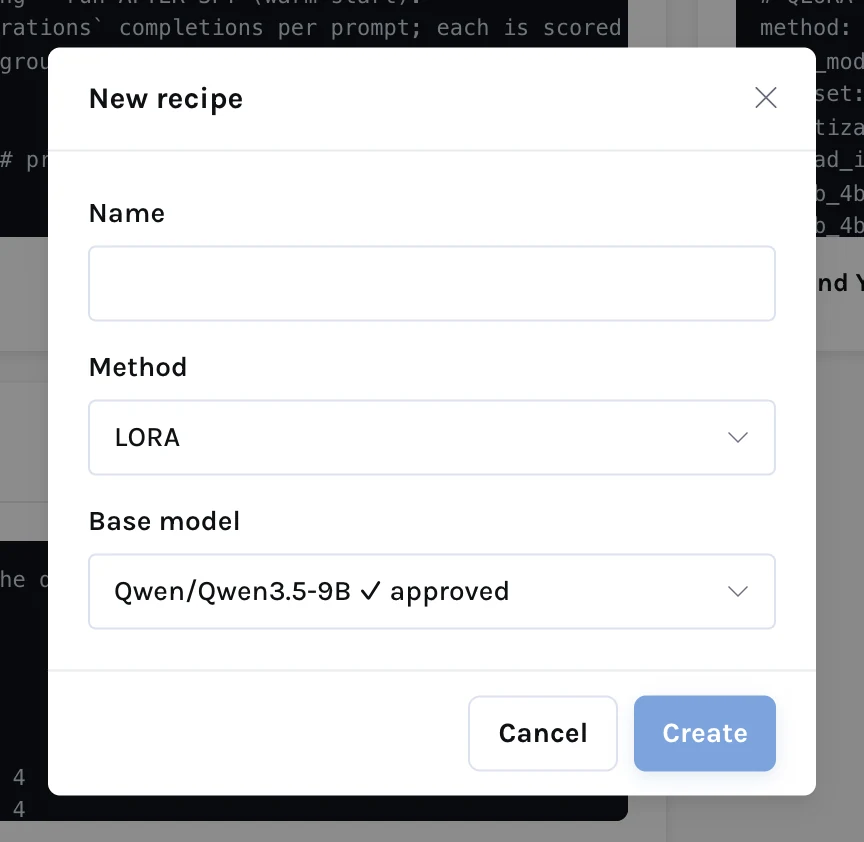
- LoRA is the default. It trains small adapter matrices on the attention and MLP layers, keeps the base model frozen, and is usually the best balance of quality and cost.
- QLoRA does the same on a 4-bit quantized base. It is the cheapest path and fits a 7B model on a single 24 GB card; expect it to be somewhat slower to train than LoRA in bf16.
- Full fine-tuning updates every weight. Use it only when LoRA clearly underfits; it needs several large GPUs.
- DPO or ORPO tune on preference pairs (a chosen and a rejected answer). They come after supervised fine-tuning, to shape tone and judgment, not instead of it.
- GRPO (reinforcement fine-tuning) samples several answers per prompt and rewards the better ones, using a reward function you define and test in the console. Use it after SFT when a good answer is easier to check than to write: valid JSON, a matching label, a cited source. See reinforcement fine-tuning with rewards.
3. Size the hardware
| Recipe | Model | Minimum GPU (starting point) |
|---|---|---|
| QLoRA, 4-bit | 7B | 1 × 24 GB (for example A10, L4 or RTX 4090) |
| LoRA, bf16 | 7B | 1 × 48 GB or 1 × 80 GB |
| Full fine-tune | 7B | 2 to 4 × 80 GB |
| QLoRA | 14B | 1 × 48 GB |
| DPO / ORPO | 7B | 1 × 80 GB |
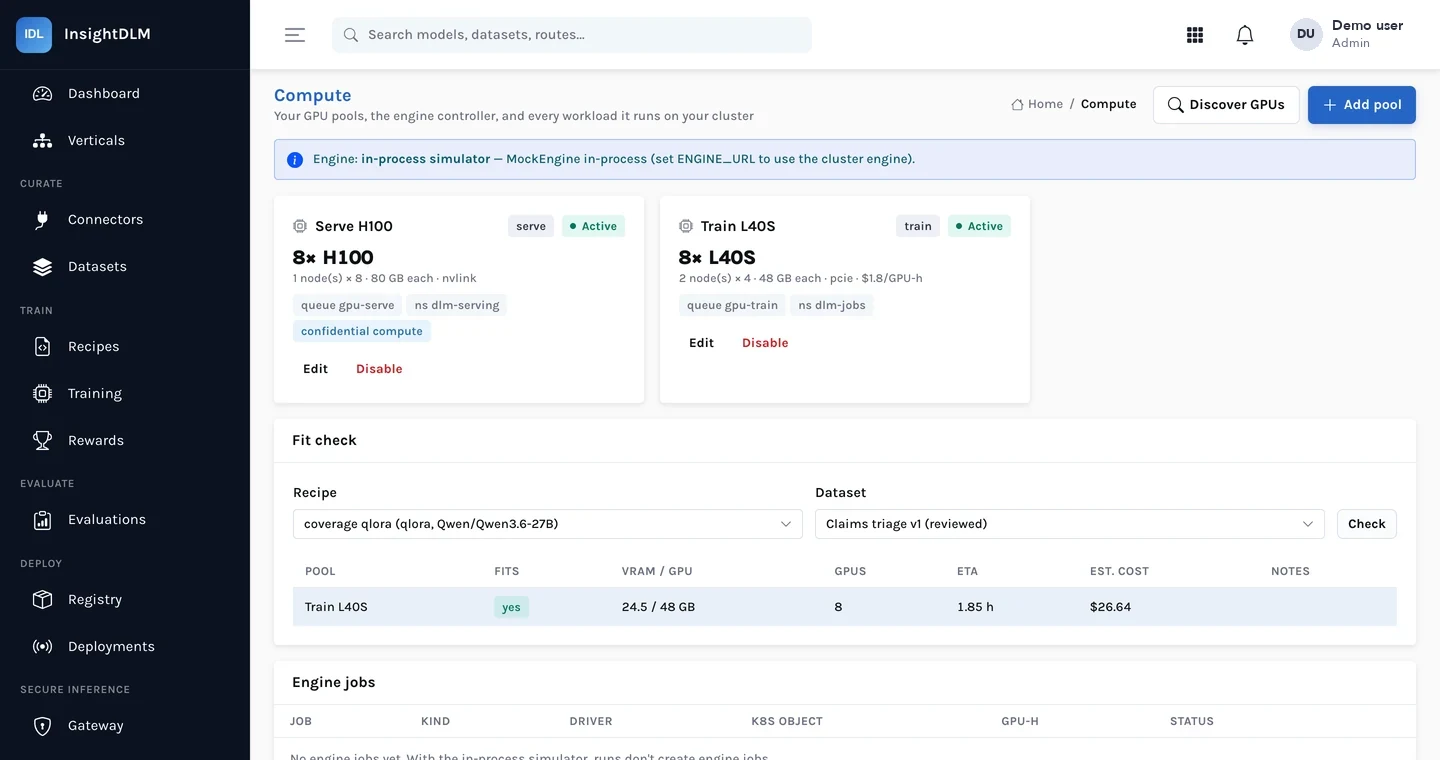
These are the minimums in InsightDLM's fine-tuning guide for the default settings; longer sequences, larger batches or packing change them. You no longer have to work this out by hand: when a run is launched, InsightDLM's fit check compares the recipe with each GPU pool you registered and refuses a run that will not fit, with a suggestion (see how InsightDLM runs on your cluster). Serving is lighter than training: a quantized 7B model (AWQ, GPTQ or GGUF) runs on much less, and the smallest models can run on CPU with llama.cpp.
A back-of-envelope check before you queue a run
The weights alone set a floor, and a conservative planning rule is enough to catch a run that will not fit:
| Method | Training memory per parameter (rough) | 7B model, weights and optimizer only |
|---|---|---|
| Full fine-tune (bf16 weights, fp32 optimizer state) | About 18 bytes | About 126 GB, so it must be sharded across GPUs |
| LoRA on a bf16 base | About 2 bytes, plus a few percent for the adapters | About 14 to 15 GB |
| QLoRA on a 4-bit base | About 0.6 bytes, plus the adapters | About 4 to 5 GB |
Activations come on top, and they grow with sequence length and batch size, plus a few gigabytes for the CUDA context. That is why the table above puts LoRA on a 7B model at 48 GB or more with a 4k sequence length, although the weights are a third of that. If a run is tight, shorten the sequence length or the batch before changing the method, and plan to stay under about 90% of the card's memory.
4. How much data to start with
| Task type | Pairs to start | Watch for |
|---|---|---|
| Classification or routing | 500 to 2,000 | Balance across classes |
| Extraction or entity recognition | 1,000 to 3,000 | Every field covered, plus negatives |
| Domain Q&A or summaries | 3,000 to 10,000 | Diversity matters more than volume |
| Preference tuning | 1,000 to 5,000 | Run after supervised fine-tuning |
Hold out a frozen test split before the first run (InsightDLM fixes a 90/5/5 split when a dataset is published), and write golden cases by hand for the behaviours that matter. A few hundred well-chosen, reviewed examples beat thousands of unreviewed ones.
5. A first-run checklist
- One project, one bounded task, written as the project's objective.
- A reviewed, labeled and frozen dataset; nothing pending.
- The default recipe for your size class, with only the dataset changed.
- A test suite written before the run: task cases, safety cases, and a regression set once a version is in production.
- A smaller-model run alongside, so the evaluation can tell you whether the larger one earns its cost.
6. When to change the plan
The first run is a measurement, not a verdict. Read its failed cases, then change one thing at a time, so the next evaluation can tell you whether that change helped:
| What the evaluation shows | Change | Do not |
|---|---|---|
| Fails on one category or field only | Add reviewed examples for it | Move to a bigger model |
| Fails broadly, and validation loss stays high | Check the data, then try the next size up | Raise the learning rate first |
| Passes the task suite, fails safety | Add refusal examples; consider DPO after SFT | Ship it with a note |
| Does not beat the un-tuned base model | Revisit the data: coverage, quality, balance | Tune hyperparameters |
| The smaller run passes the gates | Ship the smaller one | Keep the larger one for its headline score |
Questions teams ask
Can we use a base model that is not in the list?
Yes. Any decoder-only model published in safetensors that Transformers, PEFT and TRL can train and vLLM can serve can be requested, mirrored, scanned and approved on your allow-list; once approved, it appears in the recipe screen. Models that need custom code are flagged and need an explicit sign-off.
How long does a run take?
It depends on the dataset size, sequence length, method and GPU, and the simulator's durations are not a guide. Time one short run on your own hardware with your own dataset, and plan from that.
Back to the start: InsightDLM: a domain language model you own.