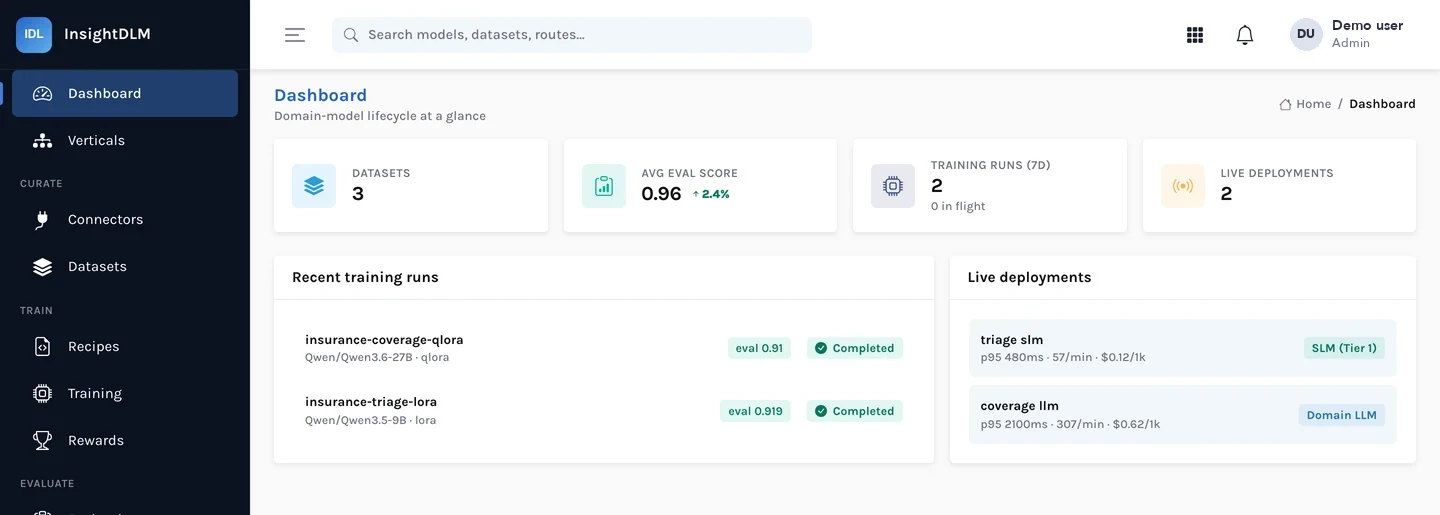
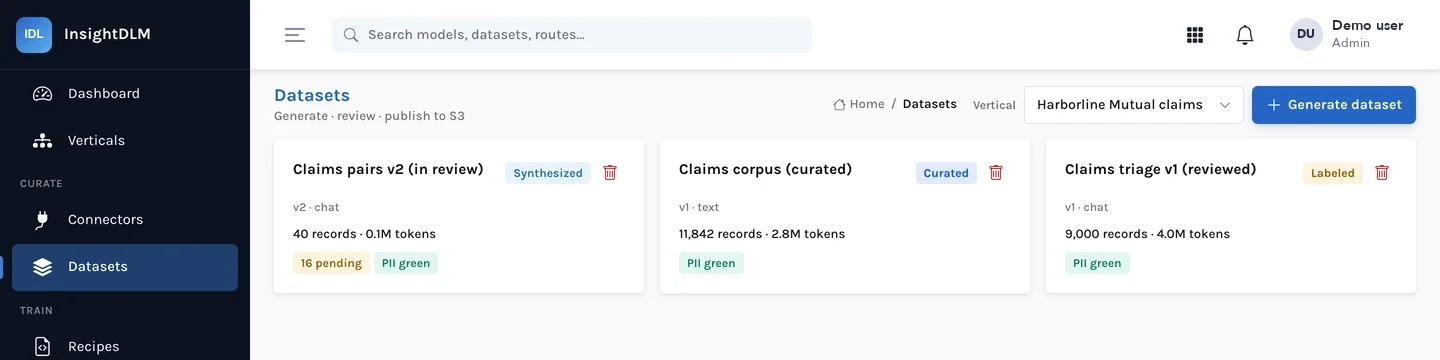
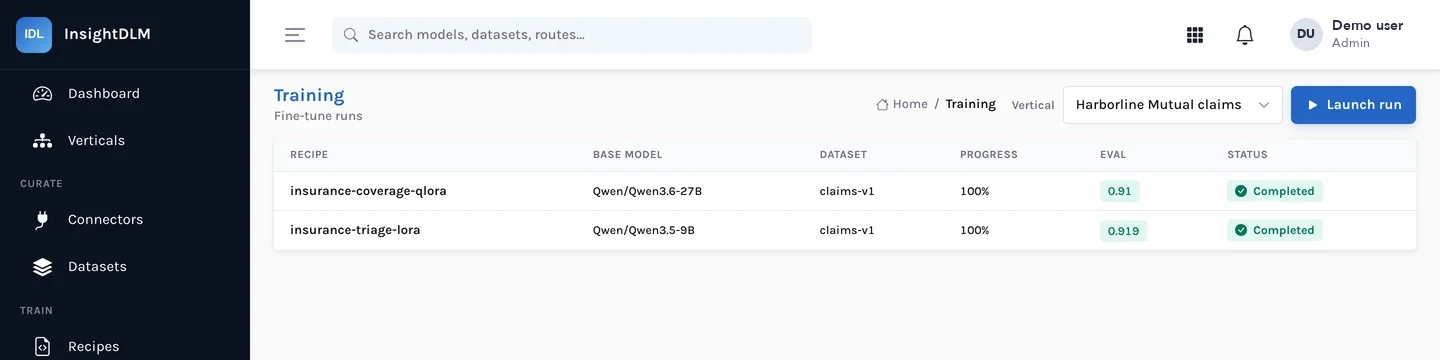
Training a good model is half the job. The other half is putting it into service in a way that can be explained and undone: which version is live, why it was promoted, what it costs per call, and what happens to the requests it should not answer. In InsightDLM that is the work of the model registry and the model farm.
The registry: versions, stages and model cards
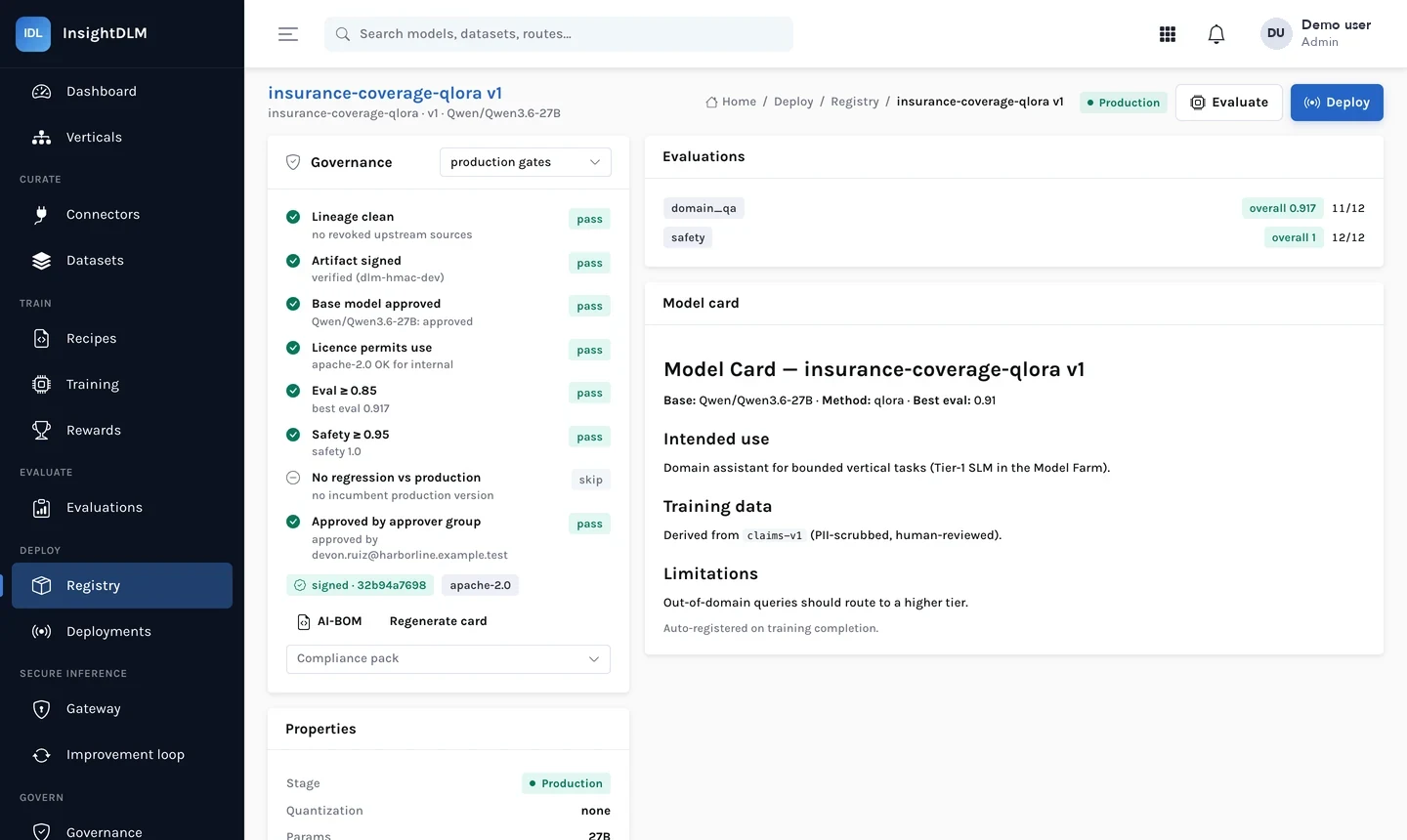
Every successful training run registers a model version in a family (for example, the claims-triage model built on Qwen3.5-9B). Each version records its base model, parameters, size, quantization, whether the adapter is merged, its best evaluation score, its evaluations by suite, and a model card: intended use, training data and limitations.
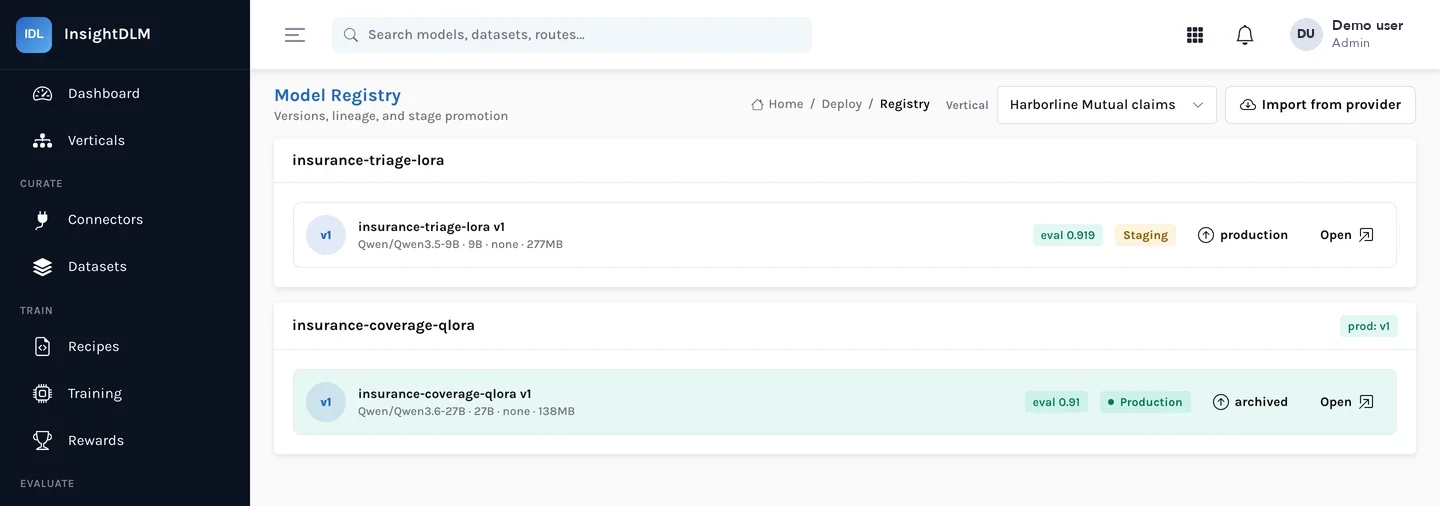
Promotion is explicit: a person moves a version to staging or production. There is one production version per family, so promoting a new one archives the incumbent automatically: the history is kept and the previous version is a promotion away. Two versions can be compared side by side, and a version can be quantized for serving (int8, int4, AWQ, GPTQ or GGUF) before it is deployed.
What promotion checks, and what it leaves to you
Promotion keeps one production version per family, and since November 2026 it also runs gates: staging needs a valid signature, an approved base model, a compatible licence, a clean lineage and a minimum evaluation score; production adds a passing safety suite, no regression against the current production version, and an approval by someone other than the requester. A failed gate refuses the promotion and lists what is missing (the details are in the governance article). Gates check the evidence exists; they do not read the cases for you. Three conventions still help:
- Read the cases, not just the score. Before requesting production, read the failed cases of the
domain_qaandsafetyevaluations on that exact version. - Agree the thresholds before training, set them in the install's policy values, and record any waiver in the model card's limitations.
- Rollback is a promotion. Promoting the archived previous version back to production archives the one that replaced it. Practise it once before you need it.
Quantizing is a new version, not a setting. Choosing int8, int4, AWQ, GPTQ or GGUF on a version's page creates a sibling version in the same family, as a candidate, with its own version number. Evaluate it before promoting it: quantization can cost accuracy on exactly the edge cases a domain model exists for.
The model farm: three tiers
A deployment puts a version behind an endpoint at one of three tiers, served by vLLM, SGLang or llama.cpp:
| Tier | What it is for | Where it runs |
|---|---|---|
| 1 · Domain SLM | Bounded tasks: classification, extraction, templated answers. The fine-tuned small model. | Your GPUs, on your network |
| 2 · Domain LLM | Multi-step reasoning over domain context; a larger fine-tune. | Your GPUs or private cloud |
| 3 · Frontier | Novel questions and cold start, through a cloud provider. Opt-in. | Your cloud account |
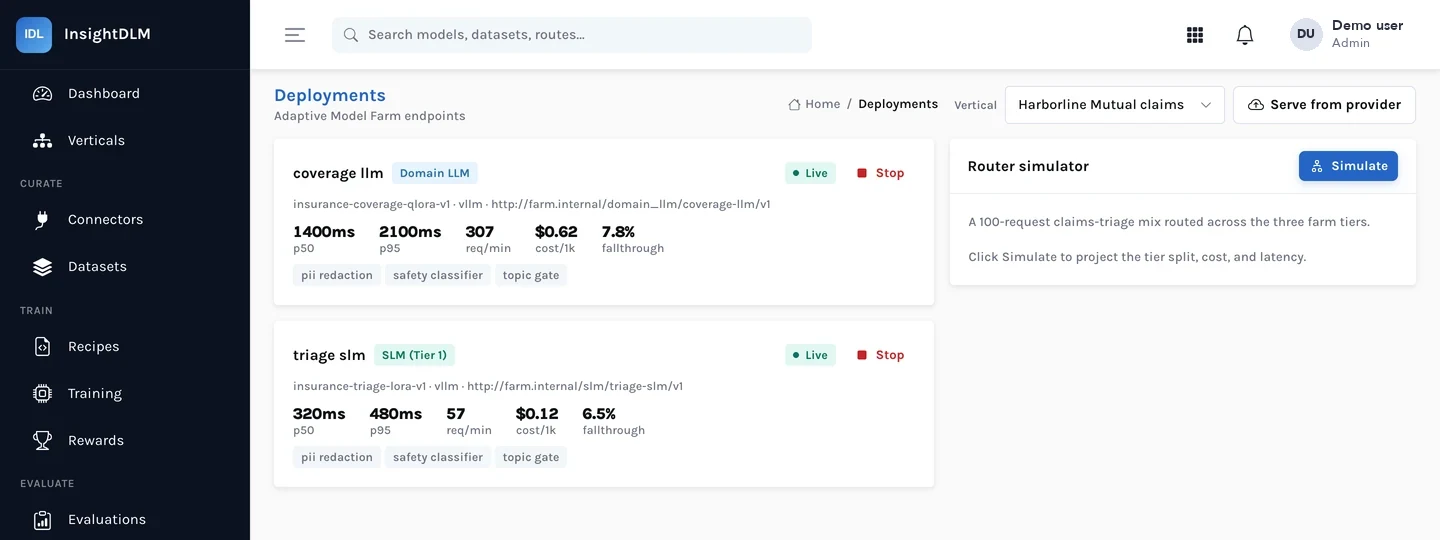
Each deployment shows the numbers that matter for operations: p50 and p95 latency, requests per minute, cost per thousand calls, and fallthrough, the share of requests escalated to a higher tier. Rising fallthrough on one kind of request is the signal that the small model needs more training data there.
Guardrails and the router
Three guardrails are switched on for every deployment: PII/PHI redaction on prompts and completions, a safety classifier, and a topic gate that turns away requests outside the model's domain. The router then walks the tiers from cheapest to most capable and stops at the first one that may answer:
- Sensitivity. If a request is classified confidential or restricted, the frontier tier is removed from the candidates before routing starts. It cannot be chosen, even as a fallback.
- Complexity decides whether a tier is capable enough; a multi-step request skips the SLM.
- Confidence. When the answering tier's confidence is below the floor (0.7 by default), the request escalates to the next tier, one step at a time.
An earlier version of this article described two gaps: low confidence jumped straight to the frontier tier, and the frontier was the fallback even for sensitive requests. Both were closed in November 2026. The live routing now happens in the secure inference gateway, and the simulator follows the same rules: escalate one tier at a time, and never offer the frontier to sensitive data. A sensitive request that no on-network tier is confident about stays on the largest on-network tier; the frontier is also unavailable unless an administrator enables egress.
The router simulator on the Deployments page runs a representative traffic mix through this logic and projects the split across tiers, the cost per thousand calls and the median latency, so thresholds can be set before real traffic arrives. Its per-tier costs and latencies are configuration, not measurements: treat the projection as a way to compare settings, and replace the assumptions with your own figures.
Setting the confidence floor
The floor is the one router setting most teams tune. It is set per deployment (0.7 unless you choose otherwise, through the API in the current release; the console's deploy dialog asks for a name, a tier and a server). The trade-off is direct:
| Floor | More of | Less of |
|---|---|---|
| Higher, e.g. 0.8 | Escalations, cost per call, latency | Confident wrong answers from the small model |
| Lower, e.g. 0.6 | Requests answered at Tier 1 | Cost and latency, but more risk of a wrong answer stated confidently |
Where a wrong answer is cheap to catch (a suggested label a person confirms), a lower floor is reasonable. Where it is not, start high and lower it as evaluation and fallthrough data justify. The console's simulator projects a fixed 100-request claims-triage mix; to project your own traffic, send a list of requests (complexity, sensitivity and predicted confidence for each) to the simulator endpoint in the API.
A rollout checklist
- The version is in staging, with completed evaluations and its cases read.
- If it will serve quantized, the quantized version has its own evaluation.
- The model card states intended use and limitations in words a business owner would recognise.
- The confidence floor has been chosen on purpose, and the simulator run on a realistic mix.
- The previous production version is known, so a rollback is one promotion away.
- Someone owns the fallthrough number and looks at it weekly.
Do several domain models each need their own GPUs?
Not necessarily. The engine's vLLM serving driver is written to co-serve several LoRA adapters on one base model, so models fine-tuned from the same base can share a server. Whether that fits your traffic is a capacity question to answer with your own load figures.