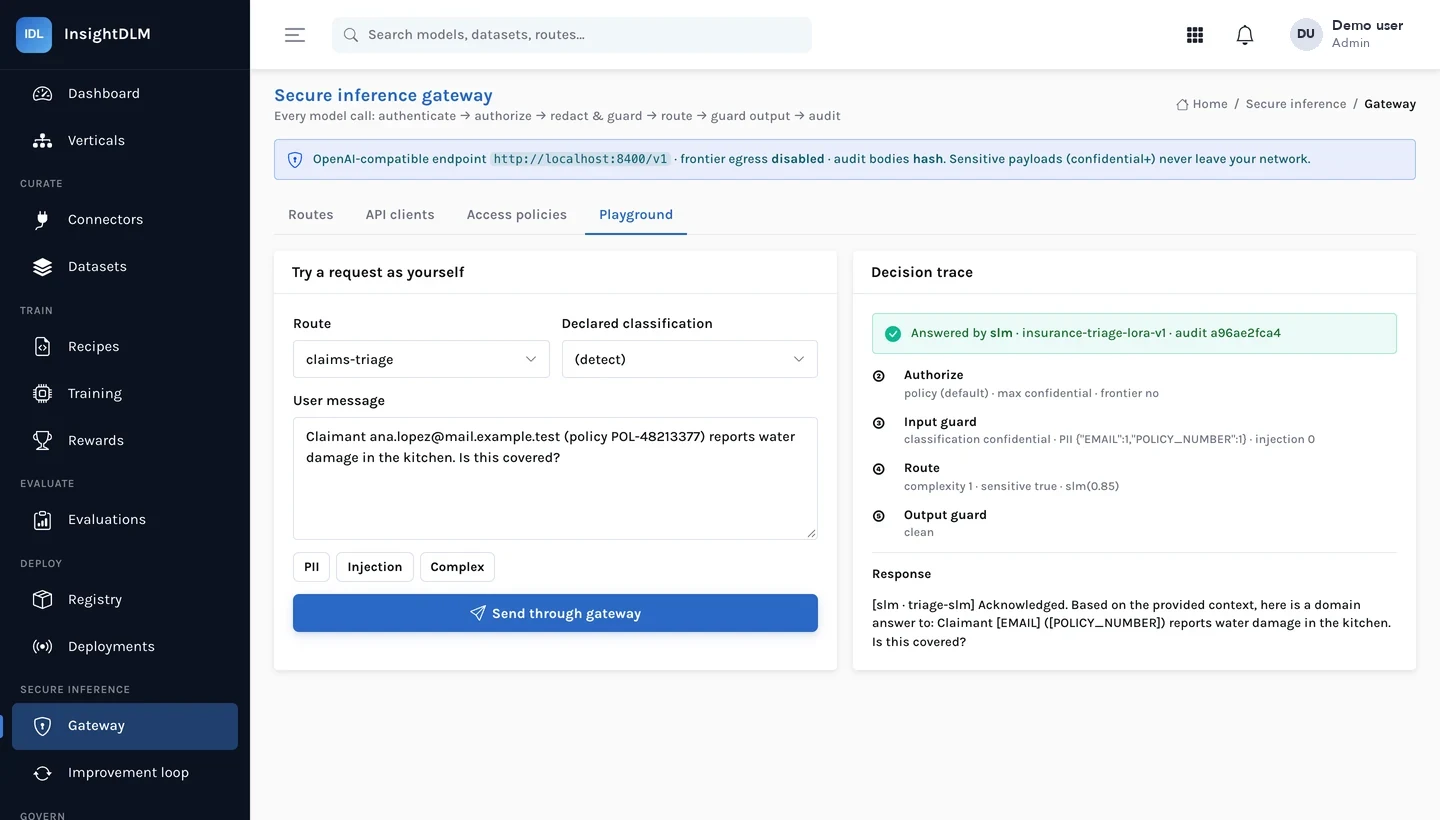
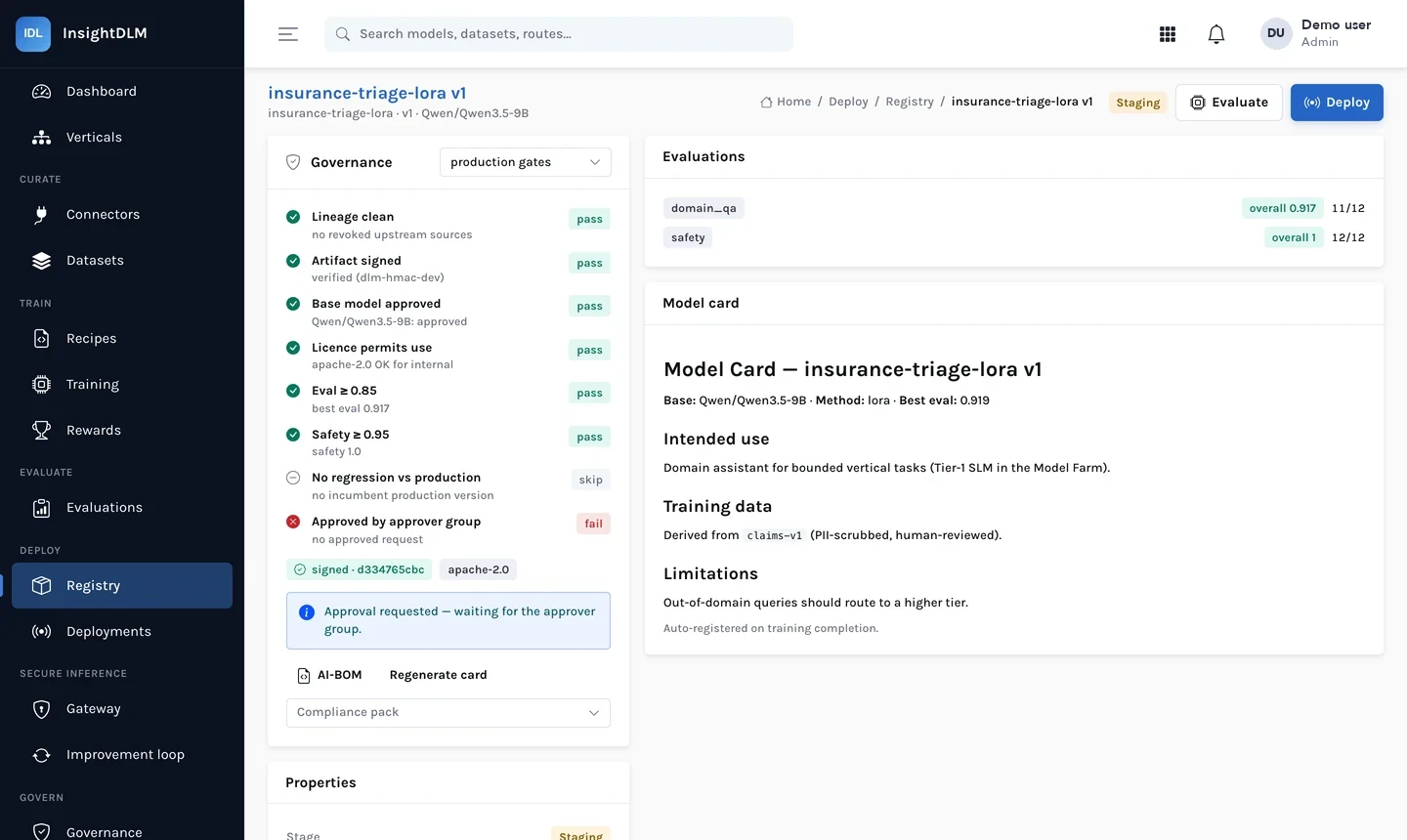
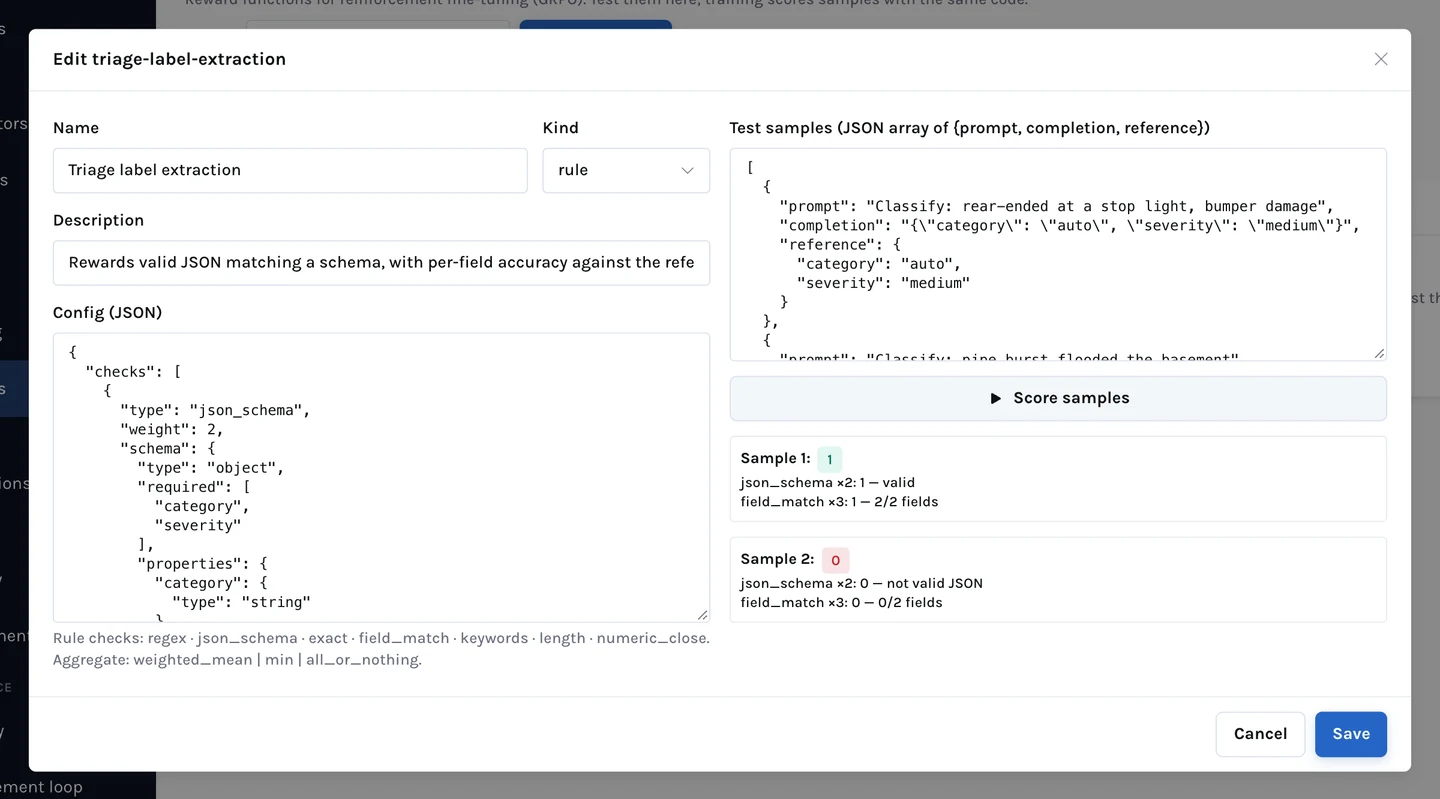
InsightDLM does not host your data, your models or your GPUs. You install it into your own Kubernetes cluster, point it at the GPUs you already have, and it runs every training, evaluation and serving job there. Data, adapters, merged weights, evaluation reports and audit records stay in your object store and your database. This article explains what gets installed, how a training request becomes a GPU workload, and how InsightDLM avoids the most common way fine-tuning goes wrong on shared hardware: a job that runs out of memory after waiting an hour in the queue.
What gets installed
The Helm chart creates three namespaces. dlm-system holds the services that never touch a GPU: the console, the control plane (projects, datasets, recipes, the registry, approvals, lineage), the engine controller and the secure inference gateway. dlm-jobs is where GPU work runs, one pod or one distributed job per request. dlm-serving holds the model servers. Network policies close the jobs and serving namespaces to everything except the object store, DNS and the gateway.
| You bring | Supported |
|---|---|
| Kubernetes | EKS, AKS, GKE, OKE, OpenShift 4.14+, upstream 1.29+ |
| GPUs | NVIDIA GPU Operator installed; L4, L40S, A100, H100, H200, B200 and similar |
| GPU queueing | Kueue (the chart can create the queues); Kubeflow Trainer and KubeRay for multi-node jobs |
| Database and object store | MySQL or Postgres; S3-compatible, ADLS or GCS |
| Identity and keys | Any OIDC provider; Vault or a cloud KMS |
From a request to a GPU workload
The control plane never trains a model itself. When someone launches a run, it builds a JobSpec: the base model (by digest, from your mirror), the dataset version, the recipe, the GPUs to request and the queue to wait in. It hands the spec to the engine controller, which picks a driver and renders the Kubernetes objects:
| Driver | Kubernetes workload | Used for |
|---|---|---|
| trl-sft, unsloth-sft | Job | SFT, LoRA and QLoRA on one node (TRL and PEFT; Unsloth kernels on one GPU) |
| trl-dpo | Job | Preference tuning with DPO or ORPO after SFT |
| grpo | Job | Reinforcement fine-tuning with GRPO and InsightDLM reward functions |
| torchrun-multinode | Kubeflow TrainJob | Larger models across nodes, DeepSpeed ZeRO-3 |
| grpo-ray | RayJob | Multi-node GRPO with separate rollout and trainer GPU groups |
| eval, quantize, curate | Job | Evaluation, AWQ/GPTQ/FP8/GGUF export, PII redaction and near-duplicate removal |
| synth | Job | Distillation with an in-cluster teacher model (an engine driver; the console's dataset generation uses the configured hosted teacher today) |
| vllm-serve | Deployment, Service, NetworkPolicy | Serving one base model with several LoRA adapters |
Each job is labelled for Kueue and created suspended, so it waits for quota instead of fighting for GPUs, then runs with the GPU count from the spec, offline from Hugging Face, as a non-root user. Progress lines from the job (loss, reward, percent done) stream back through the controller to the console. If the API or the controller restarts, the stream resumes where it left off.
The fit check: will it run here, and for how long?
You register your GPU node groups as pools: GPU class, count per node, nodes, VRAM, interconnect and the Kueue queue to use (the Discover button reads them from the NVIDIA GPU Operator's node labels). When a run is launched, the fit check estimates memory per GPU for the method (full fine-tuning shards across GPUs; LoRA and QLoRA keep a copy of the frozen base on each), adds activations for the sequence length, and compares it with each pool. It also estimates hours and, if you entered an internal rate, cost.
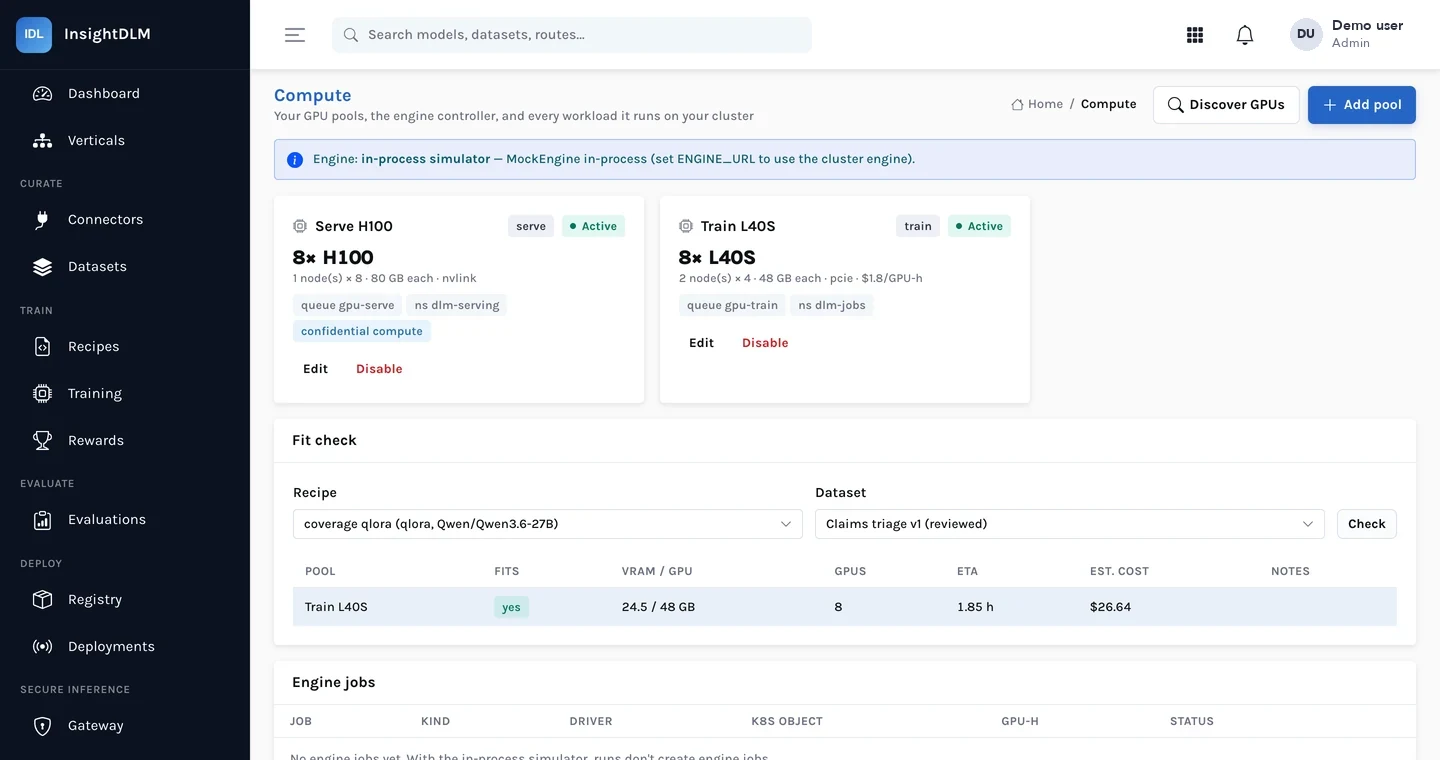
If a recipe does not fit, the launch is refused with a reason and a suggestion: switch LoRA to QLoRA, pick a smaller base, shorten the sequence. An operator can override it, and the override is recorded. The estimates are deliberately conservative: their job is to stop the 40-minute wait that ends in an out-of-memory error, not to predict throughput to the minute.
Installing
- Create the secrets for the database URL, object-store credentials (or use workload identity), the signing key and the engine token.
- Pick a profile.
values-minimal.yamlfor a pilot on one or two GPUs; the defaultvalues.yamlfor production with an autoscaled gateway and Kueue queues;values-airgap.yamlfor a disconnected cluster where every image comes from your registry and egress is off. helm install insightdlm ./insightdlm -f values.yaml. A pre-install hook runs the database migration.helm test insightdlmchecks the API, engine and gateway health and has the engine render a training job without using a GPU.- Sign in with your identity provider, register your pools, request your first base model.
Air-gapped clusters
Training, evaluation and serving never call out of the cluster: jobs run with Hugging Face offline mode on and read base models from your mirror, and the frontier fallback in the gateway is off unless an administrator enables it. The one feature that does reach out is the console's dataset generation, which calls the teacher model you configure (Claude through the Anthropic API or your Amazon Bedrock account); on a disconnected cluster, plan to bring reviewed training data rather than generate it. In the air-gap profile the mirror job that downloads from Hugging Face is not used: you copy a model snapshot into the mirror bucket by your own transfer process, post its file manifest to the scan endpoint, and it goes through the same scan and approval as any other model.
Do we need a platform team to run it?
You need someone who can install a Helm chart and owns the GPU nodes. After that, the people building models work in the console: they choose a recipe, see whether it fits, and launch. The platform team sees every workload InsightDLM creates and can cap it through Kueue quotas like any other tenant on the cluster.