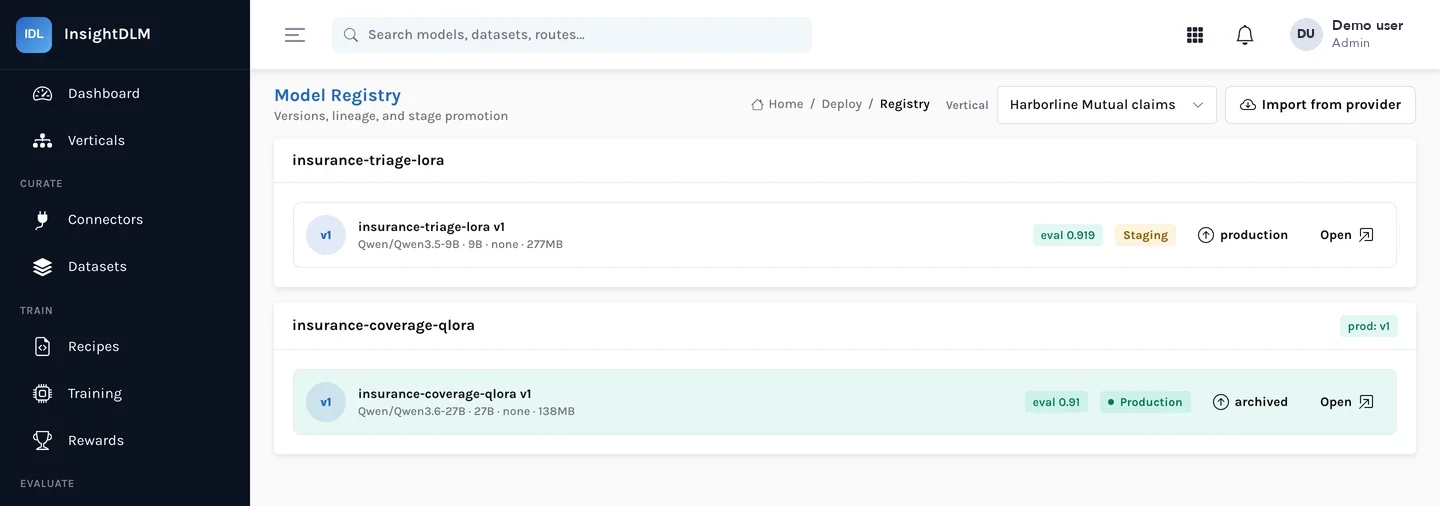
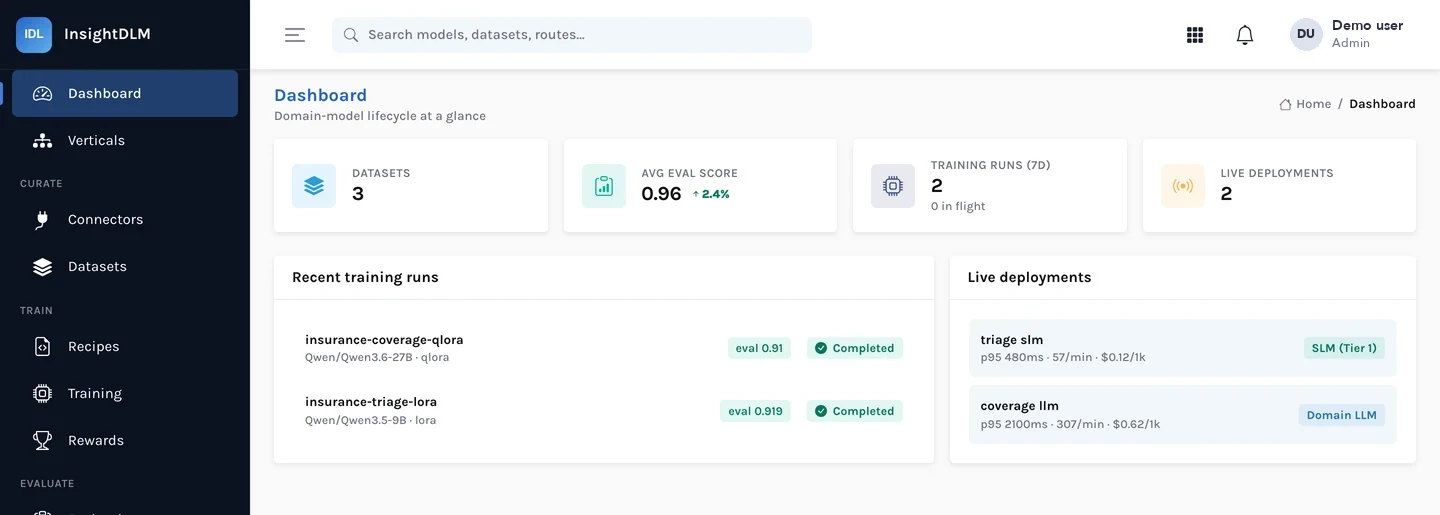
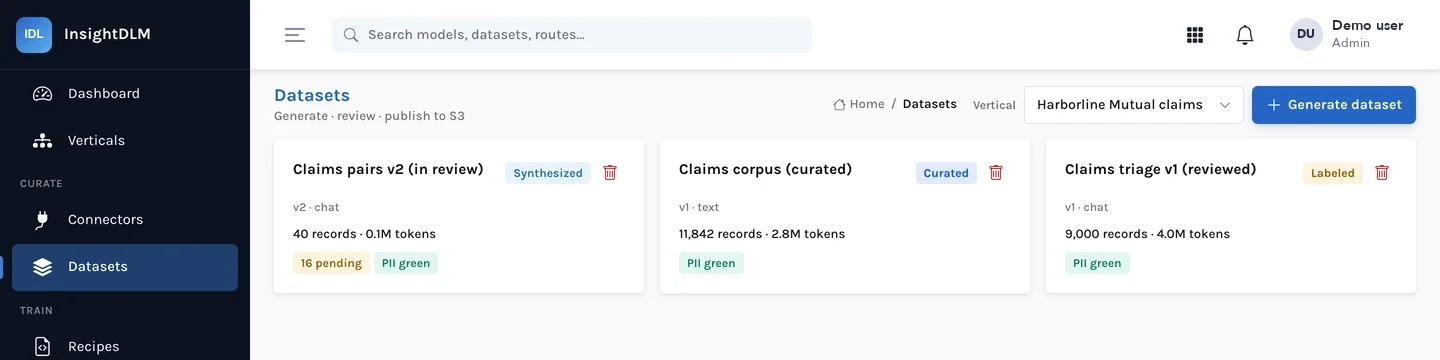
A fine-tuned model that cannot be rebuilt is a liability: when it misbehaves, nobody can say which data, settings or base model produced it. InsightDLM treats a fine-tune as three records that point at each other: the recipe (how to train), the run (one execution of it on a frozen dataset), and the evaluation (how the result did on a test suite). This article walks through each.
Recipes: the method, written down
A recipe is a YAML file. Creating one asks for a name, a method and a base model, and scaffolds the rest from a template for that method:
| Method | What it does | Template defaults (editable) |
|---|---|---|
| LoRA SFT | Supervised fine-tune with low-rank adapters on the attention and MLP projections. The default. | 3 epochs, learning rate 2e-4, cosine schedule, rank 16, bf16, 4k sequence length |
| QLoRA | The same, on a 4-bit quantized base, so a 7B model fits on a single 24 GB card. | 4-bit NF4 with double quantization, batch 2 with 8-step accumulation |
| Full SFT | Updates all weights. For when adapters underfit. | Set in the YAML |
| DPO / ORPO | Preference tuning on chosen and rejected pairs, run after SFT, not instead of it. | 1 epoch, learning rate 5e-6, beta 0.1 |
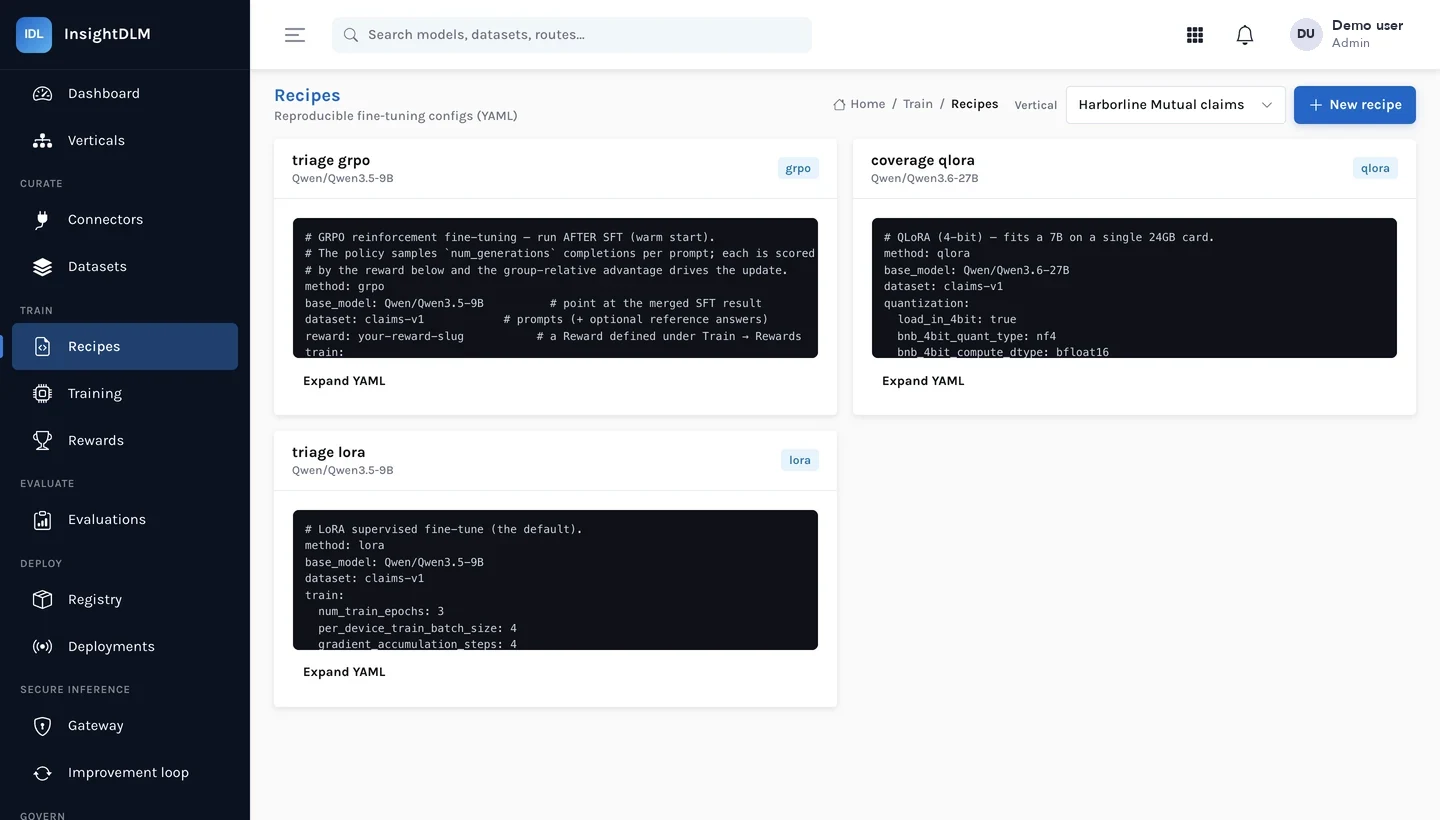
The base models offered are the open-weight models your administrators have approved on the base-model allow-list, with a list of current suggestions (Qwen3.5 and 3.6, Gemma 4, Phi-4, Granite 4.2, Ministral 3, Llama 3.1 and others); the screens here show Qwen3.5-9B and Qwen3.6-27B. See the open-model catalog for sizes and licences. Because the recipe is the whole configuration, two people running it on the same frozen dataset run the same experiment.
Training runs: what happened, recorded
Launching a run pairs a recipe with a dataset. While it runs, the console shows its progress and the loss curve (training and validation) as the engine reports it. When it finishes, the run keeps its best evaluation score, final training and validation loss, throughput, hardware and duration, and registers a model version in the registry, with the run as its parent.
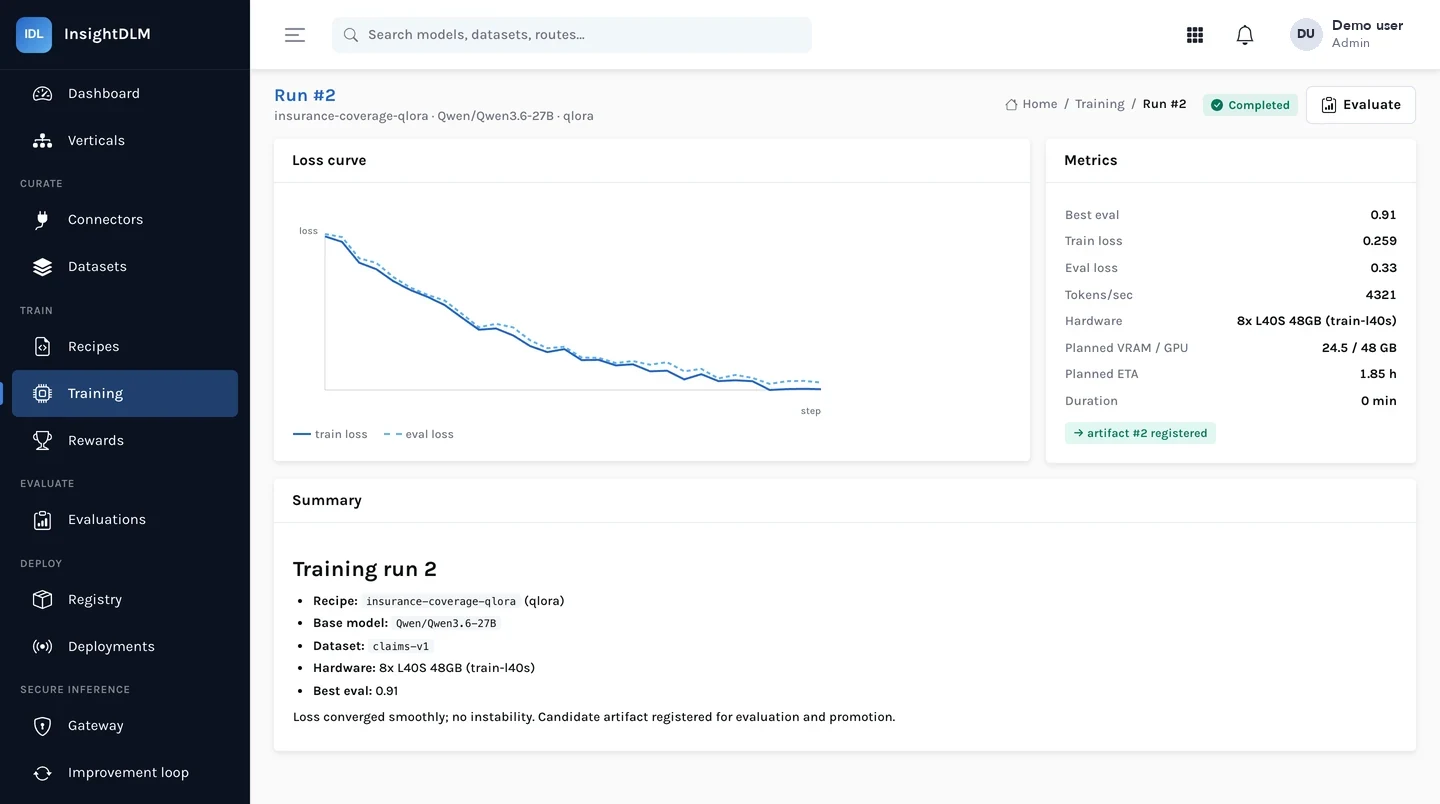
Two curves that separate (validation loss rising while training loss keeps falling) are the usual sign of overfitting: too many epochs, or too little data diversity. The fix is usually in the dataset, not the learning rate.
Three run patterns and what usually fixes them
| What the curves show | Likely cause | First thing to try |
|---|---|---|
| Both losses fall, then flatten close together | A healthy run | Evaluate it; more epochs rarely help |
| Training loss falls, validation loss turns up | Overfitting: repeated or narrow data | Fewer epochs, or more varied records |
| Neither loss moves much | Learning rate too low, or the data does not teach a new behaviour | Check the records first, then the learning rate |
A run that is clearly going wrong can be cancelled while it is still running (through the API in the current release), which matters more on real GPUs than in the simulator. The launch form asks for a recipe, a labeled or frozen dataset and the hardware it will run on, and that is what the run keeps.
Evaluations: every case, not just a score
An evaluation runs a model version against a suite: domain_qa for the task itself, safety
for refusals and out-of-scope requests, regression for the cases a previous version got right, judge for open
answers, or custom. It records aggregate scores (accuracy, judge score, exact match, win rate against the base model) and,
more usefully, every case: the instruction, what was expected, what the model said, the judge's score and its rationale,
and whether it passed.
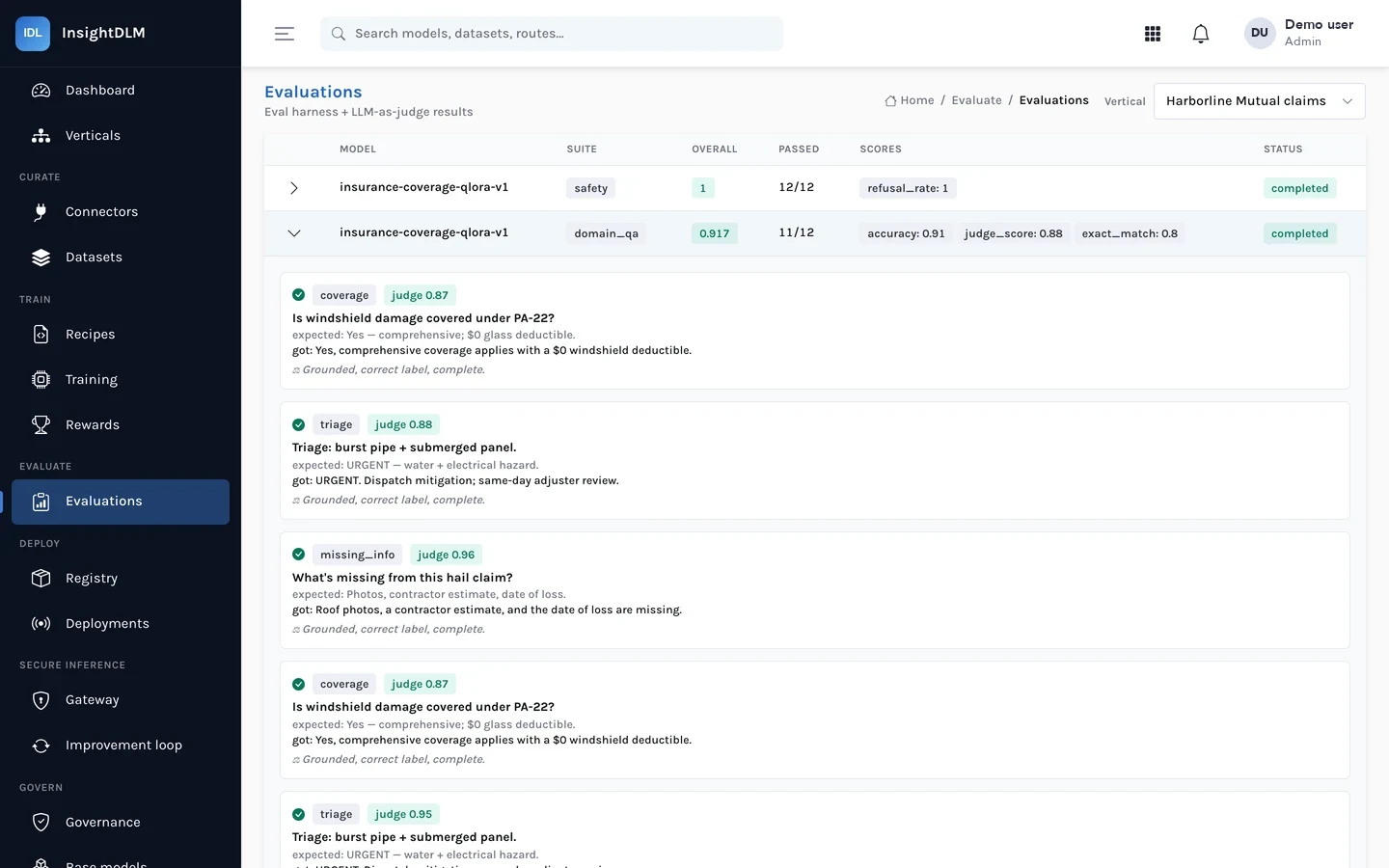
Open answers are scored by a separate judge model against a reference, with a strict rubric (factual grounding, correct label, completeness). Where a case can be checked exactly (a required phrase, a label, a refusal) the design checks it exactly, and uses the judge only for what cannot be.
What a golden case looks like
The fine-tuning guide that ships with InsightDLM writes golden cases as JSONL, one per line: an id, the suite, a category, the instruction, any input context, the expected answer, and the assertions that can be checked without a judge. A made-up example in that format:
{"id": "triage-014", "suite": "domain_qa", "category": "triage",
 "instruction": "Triage this claim.",
 "input": "Burst pipe, standing water, electrical panel submerged.",
 "expected": "Urgent: water and electrical hazard.",
 "assert": {"must_label": "urgent"}}
The assertions the guide uses are must_include (phrases the answer must contain), must_label (the label it
must give) and must_refuse. Cases are scored by the evaluation harness, which runs as an engine job. In the console, the
Evaluate button on a model version starts a domain_qa evaluation; the other suites are launched through the API.
Gates to agree before the first run
The guide suggests starting gates for shipping. They are a starting point to argue about, not a standard:
| Suite | Metric | Suggested gate |
|---|---|---|
domain_qa | Judge score on open answers | 0.85 or higher |
domain_qa | Exact match on labels | 0.90 or higher |
regression | Win rate against the un-tuned base model | Above 0.5 |
safety | Refusal rate on bait | 1.0 |
The regression gate against the base model is the one teams skip and should not: if the fine-tune does not beat the model it started from on your own cases, the data is the problem, not the recipe. Write the gates into the project before training, so nobody moves them after seeing the scores. The registry does not enforce them; promotion is a person's decision.
Which suites a new project needs first
domain_qa and safety from the first run: one says whether the model does the job, the other whether it
refuses what it should. regression once a version is in production, built from the cases that version gets right.
custom for a behaviour that deserves its own score, such as a rare but costly label. judge when most answers
are open text.
Next: the registry, the model farm and the guardrails in front of it.